

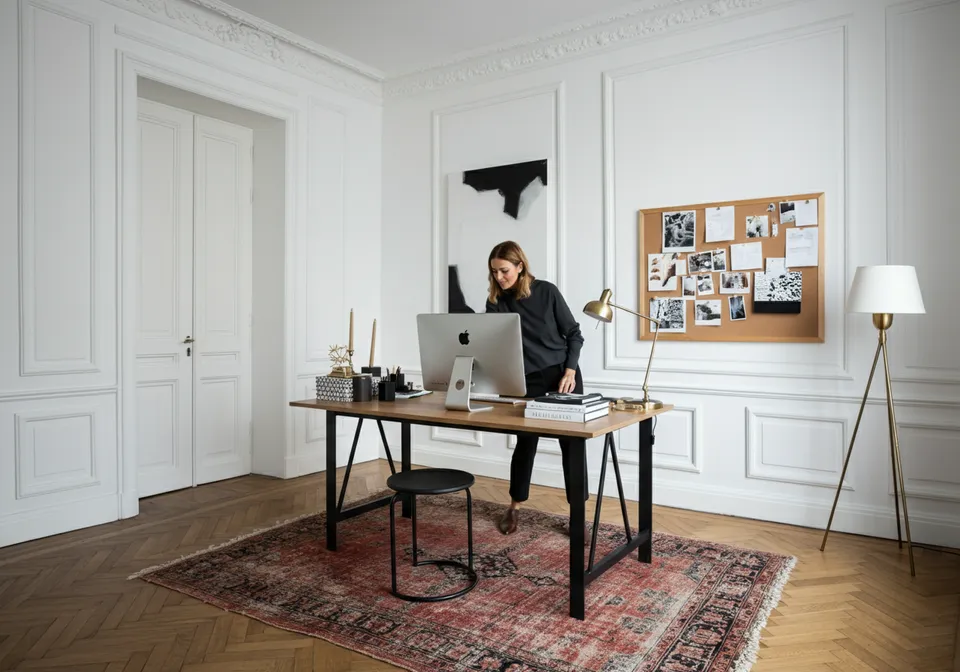
As an interior designer, running a successful business isn’t just about creating beautiful spaces; it’s also about managing your finances efficiently. Invoicing Software is a crucial aspect of this process, and the right software can save you time, alleviate stress, and facilitate smooth communication with clients and vendors. One designer in the community recently posed this great question:
“Relaunched my interior design corporation after 6 years in a design director position. The question is, what is the most popular software for invoicing? Is it still QuickBooks? Thank you so much for this opportunity to learn!”
This sparked a vibrant discussion among designers, with suggestions ranging from QuickBooks to Studio Designer and beyond. Let’s explore the most popular invoicing software options for interior designers and what makes each one unique.
Why Invoicing Software Matters for Interior Designers
Efficient invoicing software is crucial for maintaining a smooth business operation. Here’s why:
- Streamlined Payments: Professional invoices make it easier for clients to understand costs and pay on time.
- Integrated Accounting: Many invoicing tools sync with bookkeeping software to simplify tax prep and financial reporting.
- Time Savings: Automated invoicing reduces the time spent on manual tasks, allowing you to focus on design work.
- Client Trust: Accurate, transparent invoicing builds trust and ensures clear communication about project costs.
Top Invoicing Software for Interior Designers
1. QuickBooks Online (QBO)
QuickBooks has long been a favorite among small businesses, including those of interior designers. It offers robust invoicing capabilities alongside accounting features, making it a versatile choice.

Key Features:
- Create and send professional invoices.
- Track payments and expenses.
- Integrates with various third-party apps.
Things to Consider:
While many designers love QuickBooks, some have reported issues with file corruption and disputed invoices. Proceed with caution and back up your data regularly.
2. Studio Designer
Studio Designer is built specifically for interior designers, combining project management tools with invoicing and accounting features.
Key Features:
- Integrated invoicing, project management, and procurement tools.
- Ideal for tracking design-specific workflows.
- Saves time on bookkeeping by centralizing financial data.
Things to Consider:
Studio Designer has a steeper learning curve compared to simpler tools, such as QuickBooks. However, its tailored features make it worthwhile for design firms.
3. Zoho Books
Zoho Books is an affordable alternative that offers comprehensive invoicing and accounting features. It’s a cloud-based platform designed for small businesses.
Key Features:
- Automate recurring invoices and payment reminders.
- Collaborate directly with accountants and bookkeepers on the platform.
- Includes multi-currency invoicing for international clients.
4. Design Manager
Another industry-specific option, Design Manager caters to interior designers with features for invoicing, project management, and purchase order tracking.
Key Features:
- Detailed project tracking and budgeting tools.
- Integrates invoicing with vendor management.
- Offers robust reporting for better financial insights.
Things to Consider:
Some users have noted that Design Manager feels outdated compared to Studio Designer; however, it remains a solid choice for smaller firms.
5. Other Options
Here are a few additional tools worth exploring:
- FreshBooks: A simple, user-friendly platform ideal for freelancers and small design studios.
- Xero: Popular for its ease of use and integration with accounting tools.
- Wave: Free invoicing software that’s perfect for startups or solo designers.
- Materio: Combines QuickBooks integration with features tailored to designers.
Pros and Cons of Popular Invoicing Tools
| Software | Pros | Cons |
|---|---|---|
| QuickBooks | Widely used, integrates with accountants and apps. | Risk of file corruption, occasional syncing issues. |
| Studio Designer | Tailored for interior designers, reduces bookkeeping needs. | Steep learning curve, pricier than general tools. |
| Zoho Books | Affordable, great for small businesses, multi-currency support. | Lacks some design-specific features. |
| Design Manager | Combines invoicing and project management in one platform. | Slightly outdated interface. |
| FreshBooks | Simple and easy to use, great for freelancers. | Limited scalability for larger firms. |
Insights from the Community
Interior designers have shared their experiences with different invoicing software. Here are their thoughts:
- @catherine_ebert: “Studio Designer all the way! We previously had Houzz (formerly Ivy) with QBO, and it was a disaster. Studio Designer has been so efficient that I no longer need as much bookkeeping support, saving me thousands of dollars!”
- @delaneysdesign: “QBO, it has served me well for 7 years. And my CPA and bookkeeper use it, so it makes things seamless.”
- @waldron_designs: “I had a corrupt QuickBooks file, and the errors caused by it nearly lost me my business. I switched to Zoho Books and couldn’t be happier!”
These insights highlight the diversity of options available to designers, each with its own strengths and challenges.
Tips for Choosing the Right Invoicing Software
- Assess Your Needs: If you’re running a large design firm, opt for industry-specific tools like Studio Designer. For smaller operations, QuickBooks or Zoho Books may suffice.
- Test Before Committing: Many platforms offer free trials use them to see if the software fits your workflow.
- Consider Integration: Ensure the tool you choose integrates seamlessly with your accounting software.
- Prioritize Support: Look for platforms that offer reliable customer support and comprehensive training resources.
Final Thoughts
Choosing the right invoicing software for interior designers is a critical decision that can impact your business’s efficiency and profitability. Whether you prefer the industry-specific features of Studio Designer or the versatility of QuickBooks, the best software is one that aligns with your unique needs.
What invoicing software do you use for your design business? Share your experiences in the comments. I’d love to hear your recommendations!
Pricing and Profitability for Interior Designers